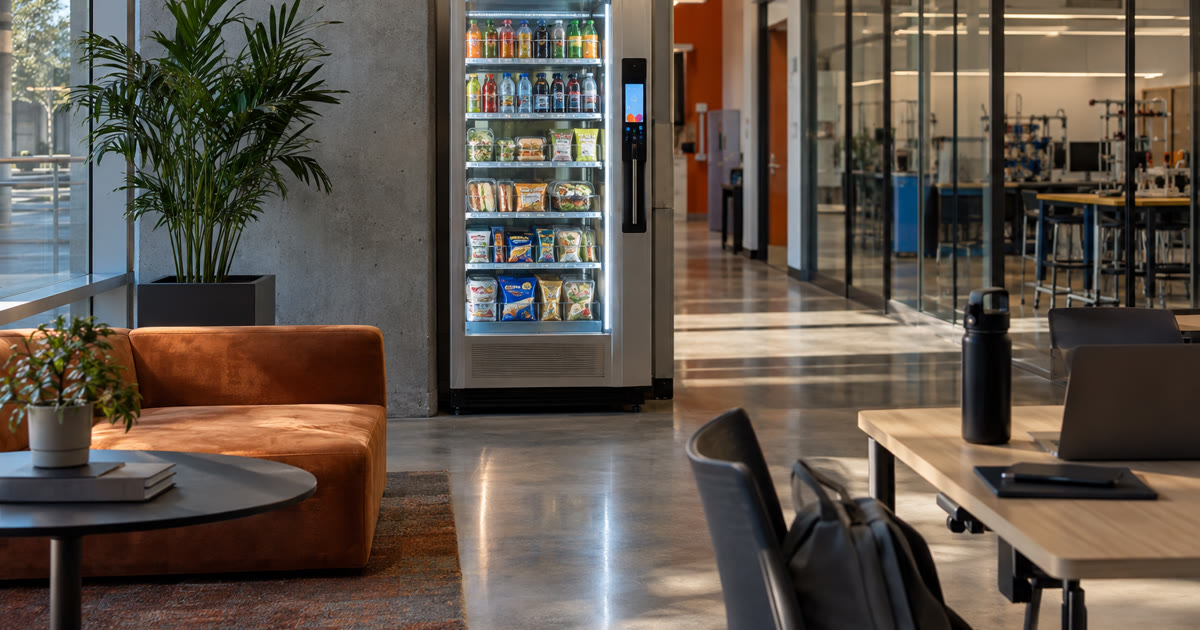
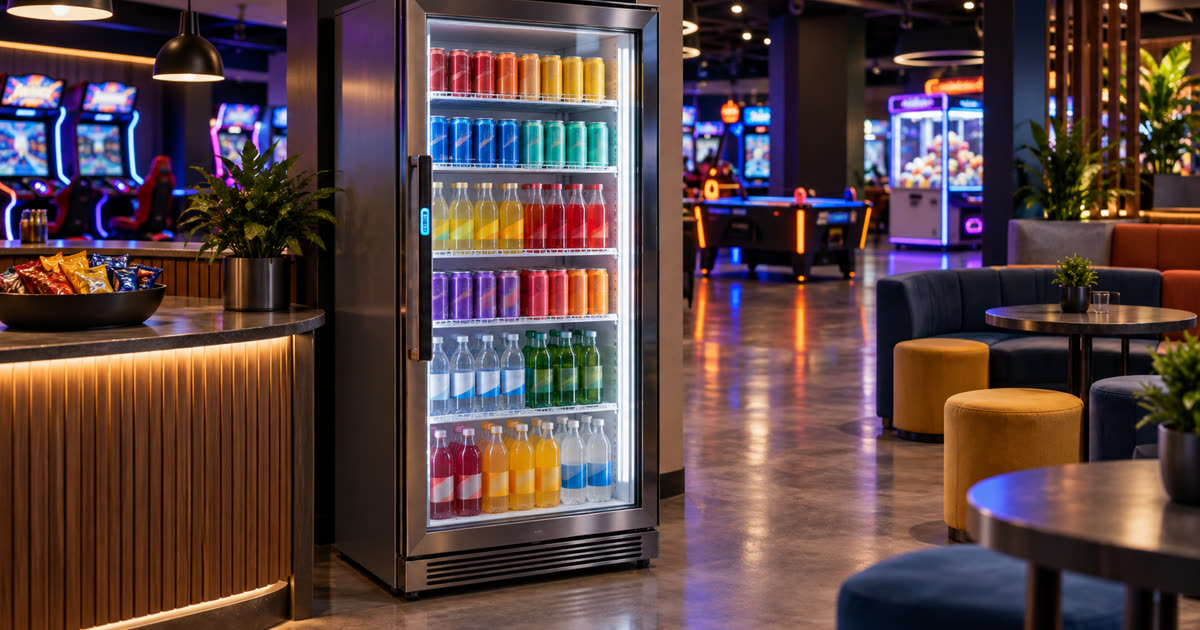
Cashless vending machines should make buying lunch easier, not turn your front desk into a tiny bank with granola bars.
That is the real test for Austin businesses looking at cashless vending machines, smart vending, or smart fridge options. Tap-to-pay sounds simple. Card payments sound modern. App-friendly checkout sounds like the obvious upgrade from coin slots and bill jams.
But payment convenience is not just a feature. It is an operations decision.
Before you add a cashless vending machine to an office, apartment community, gym, hotel, clinic, warehouse, coworking space, or dealership, ask who owns the payment experience after the machine arrives. If the answer is vague, your staff may inherit a little payment-support side quest wearing a snack label.
The machine can accept cards. Great. Now ask what happens when the card does not behave.
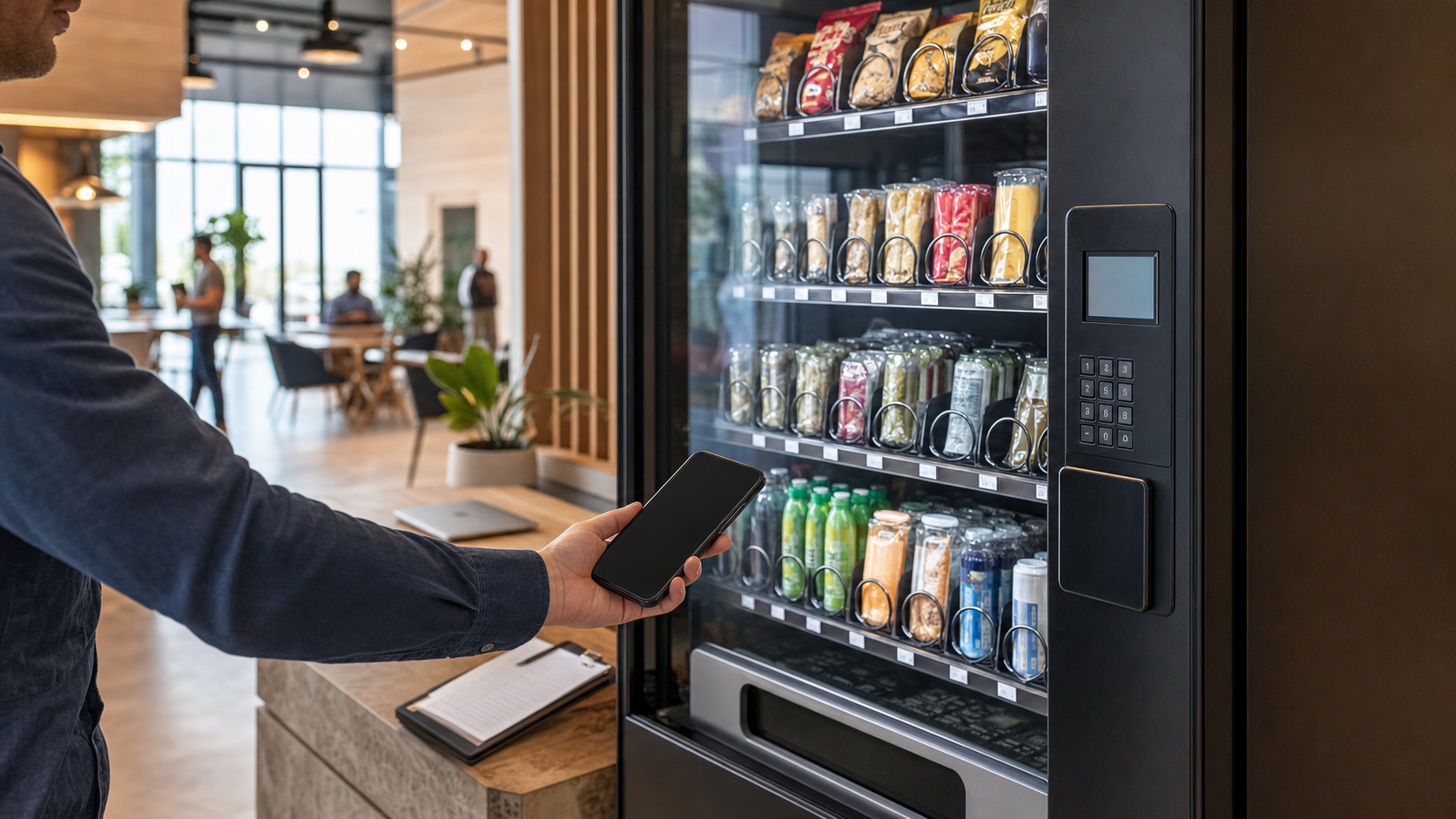
Tap-to-pay should not tap your staff on the shoulder
The best cashless vending experience is boring in the right way. Someone wants a drink, taps, pays, grabs, leaves. No coins. No “exact change only” nonsense. No heroic battle with a wrinkled dollar bill from a different presidential administration.
That is the dream.
The problem starts when the support path is not defined. A user sees a pending charge. A tap does not go through. A card looks declined. A receipt does not appear. The vending machine says one thing, the banking app says another, and suddenly the nearest employee becomes the payment therapist.
For Austin businesses, this matters because the “nearest employee” may be the office manager, leasing desk, front desk, service advisor, trainer, clinic administrator, or shift lead. None of those people asked to become the checkout help desk.
Before adding cashless vending machines, ask:
- Who handles payment questions from users?
- What does the user do if a charge looks wrong?
- Who handles refunds, voids, failed taps, or duplicate-looking transactions?
- Is there clear support information on or near the machine?
- What, if anything, does the host team have to do?
The answer should be boring, documented, and owned by the operator. Payment support should not wander around the building looking for someone with a polo and a pulse.
Security language needs a shorter leash
Payment security is where vague marketing grows a cape, grabs a microphone, and starts making promises it has no business making.
The PCI Security Standards Council publishes PCI DSS as a global standard for protecting payment account data. That supports one narrow buyer point: cashless vending machines need clear payment roles, processor responsibilities, and support ownership before they go into a workplace or property. It does not prove PCI compliance for any vending machine, cashless vending machine, smart vending machine, smart fridge, payment terminal, payment processor, app checkout, software dashboard, operator, Austin installation, future installation, Revvolto setup, card tap, mobile wallet payment, employee purchase, resident purchase, guest purchase, customer transaction, refund process, or support workflow. It also does not guarantee payment security, eliminate fraud risk, certify a provider, bless a checkout flow, make the host responsible, or make “we take cards” a complete security answer. Before the acronym puts on a badge and starts directing traffic, keep it in its lane. Source: PCI Security Standards Council
That scope limit matters.
A buyer does not need to become a payments attorney to ask smart questions. They just need enough clarity to avoid letting “cashless” become a fog machine with a card reader.
Ask the provider:
- Who is the payment processor?
- Who owns payment-account-data responsibilities?
- What support path does a user follow after a payment issue?
- What payment methods are accepted?
- What does the host team see, store, or touch?
- What does the host team not see, store, or touch?
The last two questions are not glamorous. Good. Glamour is how payment conversations end up wearing tap shoes and running into a wall.
Refunds need a lane before launch day
Refunds are not a nice-to-have detail. They are where a cashless vending setup either feels professional or starts making the host look responsible for something they do not control.
Most payment issues are probably small. That does not make them harmless. A small dollar amount can still create a big annoyance if the person does not know whom to contact. Tiny money confusion has a way of becoming very loud in a lobby.
A good cashless vending machine setup should make the refund path obvious. Not dramatic. Not buried. Not “ask whoever happens to be standing nearby.” Obvious.
Before launch, ask:
- Is there a support phone number, QR code, or email for vending payment issues?
- Does the support path go to the operator or to the host team?
- How are refunds or charge questions handled?
- How fast does the operator typically respond?
- How are repeat issues tracked so the same machine does not keep creating the same headache?
Be careful with that last question. A one-off payment hiccup is life. A repeated hiccup is a machine developing a personality, and not the charming kind.
The host team should not have to investigate card statements, interpret pending authorizations, or explain payment rails to someone who just wanted sparkling water. That is not hospitality. That is unpaid fintech cosplay.
Data and access questions belong in the buying conversation
Cashless vending machines create data. Not always the scary kind, and not always data the host can or should see. But there is still a basic buyer question: what information exists, who sees it, and what is it used for?
The FTC’s *Start with Security* guide tells businesses to start with security and make careful choices about collecting, keeping, protecting, and disposing of sensitive information. That supports one narrow planning point: data responsibilities should be clarified before a cashless unattended retail setup goes live. It does not prove legal compliance, privacy compliance, payment compliance, cybersecurity maturity, platform security, user-data safety, processor security, operator security, Revvolto security, vending-machine security, smart-fridge security, dashboard security, Austin-site security, future-site security, or any specific data-handling practice. It also does not mean the host collects payment data, has access to payment data, should request payment data, or should improvise privacy language. Before “data” walks in wearing a trench coat full of assumptions, ask what is actually involved. Source: Federal Trade Commission
For most hosts, the practical questions are simple:
- What customer information, if any, does the host receive?
- What sales or inventory reporting does the operator provide?
- Who can access the vending dashboard?
- Are user payment issues handled outside the host team?
- What information should staff never ask a user to share?
The best answer is usually restraint. The host should not need payment details, card details, login credentials, or customer private information to make the amenity work.
A vending amenity should give the host useful operational visibility without turning the property or workplace into a part-time data custodian. That is a bad hat. Nobody looks good in it.
Revvolto keeps the payment chore off your desk
Cashless vending machines can be a strong amenity when the setup is actually operated. The word “operated” is doing heavy lifting there.
A machine that accepts cards but sends every support question to your staff is not low-friction. It is just modern inconvenience with a nicer screen.
Revvolto helps qualified Austin-area businesses add smart vending or smart fridge options — and, where the site supports it, compact market setups — without turning the host into the operator.
For qualified placements, Revvolto typically installs and operates the setup at no cost to the host. Site fit still matters. Foot traffic, audience, placement, restocking access, payment support, and service cadence decide whether the amenity has a real job or becomes furniture with a checkout ritual.
A good cashless vending setup should make ownership obvious:
- Revvolto helps recommend the right format for the location.
- Revvolto stocks and restocks on a regular cadence.
- Revvolto manages payment technology and equipment support.
- The host gets a modern food-and-drink amenity without becoming the backup payment desk.
That is the difference between “we added cashless vending” and “we accidentally adopted a payment kiosk with snack opinions.” It is also why vending machine service Austin buyers should ask about payment support before they ask about the screen.
If you are evaluating cashless vending machines in Austin, do not stop at tap-to-pay. Ask who owns the whole payment experience after launch. The answer tells you whether you are adding convenience or importing a chore with a card reader.
Curious whether smart vending, a smart fridge, or a compact market setup fits your Austin location? Tell us about your space at https://revvolto.com/contact-us.
No-cost site assessment. No install pressure. No commitment.