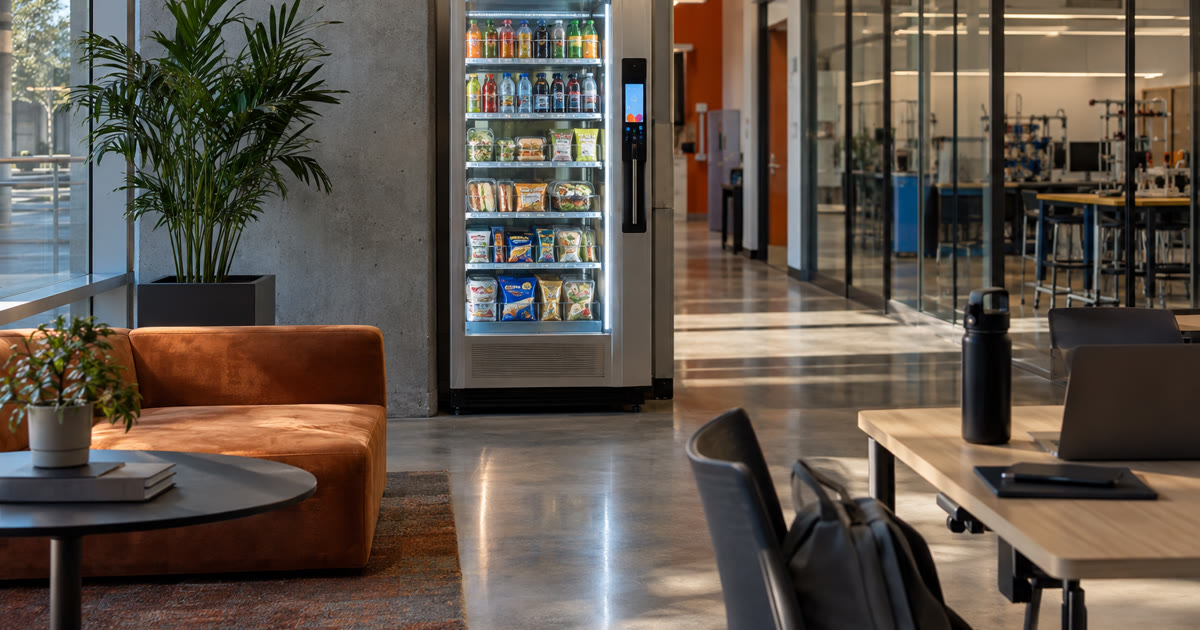
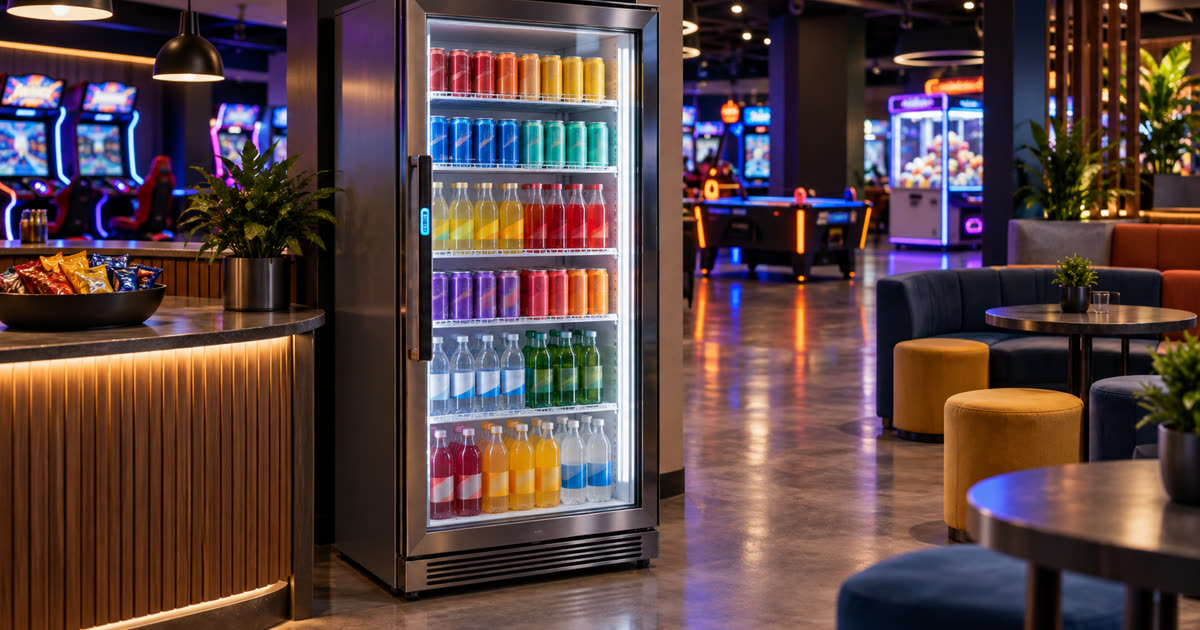
Office vending machines in Austin have one job: make the workday easier without handing someone in the office a second, smaller job called Snacks and Regret.
That sounds obvious until you see how many breakroom amenities fail in painfully ordinary ways. The machine sits in the wrong corner. The product mix feels like a blindfolded grocery run. Payment issues wander over to the office manager. The good drinks vanish first, and the sad trail mix becomes part of the furniture.
Everyone technically has vending. Nobody is thrilled about it. That is the danger zone.
For Austin offices, professional services firms, tech teams, call centers, coworking-adjacent spaces, and mixed-use workplace buildings, vending should be planned like an amenity with operations behind it. Not a metal box with hope inside.
The useful question is not simply whether the office should add vending. The better question is whether a smart vending machine, smart fridge, or compact office market setup can remove the actual friction people feel during the workday.
The machine is not the buyer persona
A vending setup should begin with the office rhythm, not the equipment catalog.
Do employees work standard hours, or do people drift in early, stay late, and work hybrid schedules that make Tuesday look like a rumor? Is the office near easy food options, or does grabbing a drink mean losing half a lunch break to parking, traffic, or an elevator odyssey? Do visitors wait in the lobby? Do managers keep hearing that the breakroom feels neglected but nobody wants to own the fix?
Those answers matter more than the machine pitch.
A small office with steady daytime traffic may need a compact smart vending machine with drinks, snacks, and simple payment. A larger office may support a smart fridge with refrigerated meals, fresh options, and drinks. A busier workplace may justify a compact office market setup if the site has enough foot traffic, space, power, and restocking access.
The wrong move is choosing the biggest format because it looks impressive in a proposal. Bigger can be useful. Bigger can also become a museum exhibit with login credentials.
A good provider should ask about headcount, daily attendance, shift patterns, visitor traffic, space, payment expectations, and who currently gets blamed when the breakroom runs out of anything edible. If the conversation jumps straight to equipment, that is a yellow flag wearing a polo.
Placement should follow the breakroom traffic
Office vending works when it sits where people already move.
That usually means a breakroom, kitchen area, common corridor, employee lounge, or approved shared space. The setup should be visible enough that people remember it exists, but not so exposed that it clogs a hallway or turns a quiet office corner into a snack traffic jam.
Placement also has to respect the physical details nobody wants to discuss until they become annoying: power, ventilation, door swing, restocking access, floor space, and room for someone to browse and pay without blocking everyone else. Snacks have logistics. Ignore them and the amenity starts acting like furniture with blinking lights.
Refrigerated equipment adds another layer. Before anyone turns this into a green badge, keep the claim narrow: ENERGY STAR lists commercial refrigerators and freezers as a product category with energy-efficiency considerations. That does not prove any Revvolto unit, smart fridge, cooler, future installation, future site, office layout, or equipment selection is ENERGY STAR certified. It does not promise energy savings, utility savings, lower operating costs, or compliance. It does not replace a site-specific equipment review. It supports the narrower point that coolers and smart fridges should be planned like real equipment, not decoration. Source: ENERGY STAR commercial refrigerators and freezers.
Before approving a placement, ask:
- Can employees reach it during normal break patterns?
- Can the operator restock it without disrupting the office?
- Is there room to browse, pay, and step away?
- Does the setup avoid blocking doors, halls, and shared work paths?
- Does the location make sense for drinks, snacks, refrigerated items, or all three?
The best location is not always the prettiest one. It is the one people will use without thinking too hard.
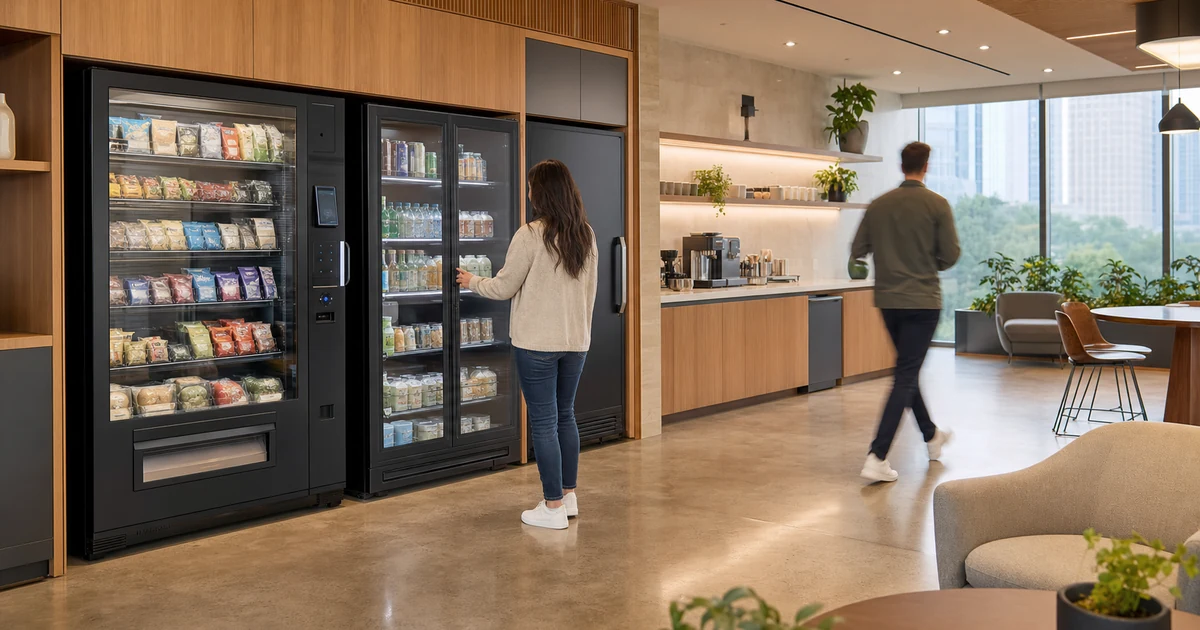
Product mix should survive the hybrid week
The first product mix is an educated guess. Treating it like a sacred text is how breakrooms end up with six kinds of chips and one lonely protein bar from the previous geological era.
Office vending should start with the obvious staples: cold drinks, water, sparkling water, coffee drinks, practical snacks, better-for-you options where appropriate, and refrigerated grab-and-go items if the site can support them. But the important part happens after launch.
Purchase data should shape the assortment over time. If one drink sells out early every week, the provider should adjust. If an item sits untouched, it should get replaced before it files for residency. If hybrid attendance changes the rhythm, stocking should follow the new rhythm instead of pretending Tuesday still means what it meant last quarter.
This is where smart vending and smart fridge setups earn their keep. They can help the operator see what is moving, what is not, and what needs restocking. That does not mean the machine “knows” what employees want. It means the operator has better signals than guesswork and the survival instincts of a confetti cannon.
The product mix should also match the audience. A tech office with long afternoon work blocks may care about cold brew, sparkling water, and filling snacks. A professional services office with client traffic may want cleaner presentation and easy drinks. A building with early and late staff may care more about around-the-clock access.
There is no universal perfect shelf. There is only the right mix for the site, then the discipline to keep improving it.
Payment support needs to be boring on purpose
Cashless vending is only useful if payment and support ownership are clear.
Employees should know how to pay. Managers should know who handles product issues. The office should not become the refund desk, the repair desk, or the emergency mayor of pretzels.
Payment handling deserves a grown-up conversation before launch. Before that sentence grows a cape, keep the claim narrow: the PCI Security Standards Council publishes standards for protecting payment account data. That does not prove any specific vending machine, smart fridge, payment terminal, processor, provider, office installation, future installation, future site, or Revvolto setup is PCI compliant. It does not guarantee payment security, eliminate fraud risk, certify a checkout flow, or make “we take cards” a complete answer. It supports the narrower point that payment responsibilities should be clear before a workplace starts running purchases through a self-service setup. Source: PCI Security Standards Council standards.
Before choosing an office vending provider, ask:
- Who handles restocking?
- Who handles refunds or failed transactions?
- Who monitors inventory?
- Who maintains the equipment?
- What happens if something breaks after normal office hours?
- Does the host need to manage keys, cash, product orders, or support requests?
The answer should be boring and specific. Boring is good here. Boring means nobody in the office has to become the snack detective.
Revvolto keeps the snack job off your desk
Revvolto helps qualified Austin-area businesses add smart vending or smart fridge options, and where the site supports it, compact office market setups, without turning the host into the operator.
A practical site review looks at traffic, headcount, office rhythm, space, power, restocking access, preferred product mix, payment expectations, and whether the site is better suited for a smart vending machine, a smart fridge, or a compact office market setup.
For qualified placements, Revvolto typically installs and operates the setup at no cost to the host. Revvolto handles stocking, restocking, payment tech, and maintenance so the office gets a useful amenity without assigning breakroom duty to someone whose actual job already has enough meetings in it.
The right office vending setup is not the flashiest one. It is the one people use, the office does not have to babysit, and the operator keeps improving after launch.
Want to see whether smart vending, a smart fridge, or a compact office market setup fits your office? Tell us about your site at revvolto.com/contact-us.
No-cost site assessment. No install pressure. No commitment.