A vending machine card reader sounds like a small hardware detail. For a host site, it is bigger than that. It shapes who can use the machine, how problems get handled, and whether the front desk gets dragged into payment questions it never signed up for.
That does not mean every host needs to become a payments expert. It means the card reader should be part of the vending conversation before a unit shows up, not a surprise stuck to the door after the fact.
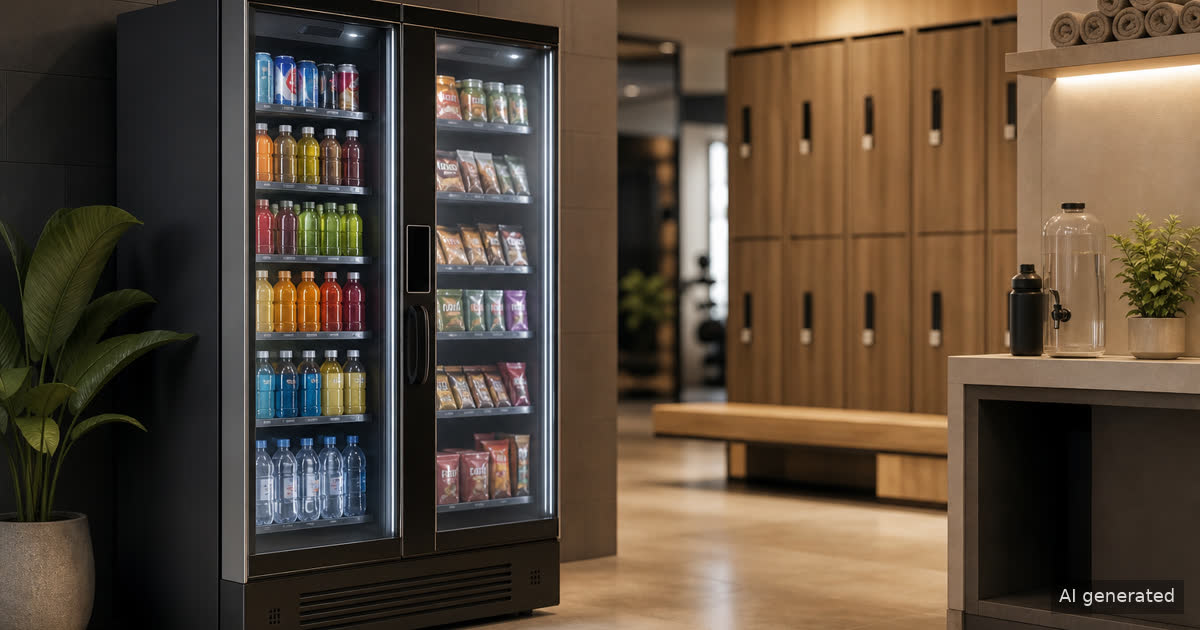
A vending machine card reader is part of the service experience
Cashless payment is now table stakes for many workplaces, gyms, hotels, clinics, apartment buildings, and service lounges. People expect to tap, swipe, or use a mobile wallet without hunting for bills. When the reader works, nobody thinks about it. When it does not, the vending machine becomes a support problem.
The host should ask a simple question: who owns that support moment?
A good vending provider should explain what happens when a payment fails, a product does not vend, a reader goes offline, or a customer needs a refund path. The answer should not be, “ask whoever is sitting at the reception desk.” That is how a convenience amenity quietly becomes someone’s second job.
The card reader also affects placement. A machine in a busy lobby, locker vestibule, staff corridor, or waiting area needs enough room for people to stand, tap, select, and move on without blocking traffic. Payment friction is not only technical. Sometimes the reader works fine, but the machine is placed where using it feels awkward.
Revvolto looks at the payment experience as part of the full setup: machine fit, traffic flow, service access, product mix, and support expectations.
Ask what payment types the site actually needs
A card reader should match the people using the location. A gym may lean toward quick mobile-wallet use after class. A hotel may need guest-friendly tap-to-pay. A staff breakroom may need a simple card option that works during odd shifts. An apartment amenity space may need something residents can use without staff help.
The best question is not “does it take cards?” That is too thin. Ask what forms of payment are supported, how the reader behaves when connectivity drops, and what the user sees if a transaction does not complete.
For most hosts, the practical checklist looks like this:
- Does the machine support card and contactless payments?
- Is the payment screen easy to see and use in the planned location?
- Who handles reader issues, refunds, failed transactions, and customer questions?
- How does the operator know when the reader is offline?
- Does the provider explain the payment flow in plain English before installation?
This is where smart vending can help when it is used honestly. A connected machine can report activity, inventory, and service signals to the operator. It does not magically know what every customer wants, and it should not be sold that way. The useful part is simpler: better information can help the operator respond faster and tune the setup over time.
For a broader payment-readiness pass, Revvolto’s guide to cashless vending payment questions is a good companion read.
Payment security belongs in the conversation, but do not fake the claim
Payment security is one of those topics where vague marketing gets people in trouble. A host does not need a slogan. They need a clear explanation of roles.
The PCI Security Standards Council says PCI standards are meant to protect payment data through the payment lifecycle, and its merchant resources frame payment security around people, process, and technology. That is useful context, but it is not a shortcut to claiming that any specific vending setup is “PCI compliant” in a blog post.
The safer buyer question is: who is responsible for the payment hardware, payment processor relationship, security practices, monitoring, and issue response?
A good provider should be able to explain the support chain without turning the conversation into a compliance performance. If a host has its own IT, security, facilities, or finance requirements, those teams should be looped in before installation. That is especially true for larger offices, healthcare-adjacent staff areas, hotels, campuses, and managed properties.
For Revvolto content, this is the line: we can talk about payment support, modern cashless use, and smart vending operations. We should not make legal or certification claims unless Rob has the proof and approves the exact wording.
The host should not become the help desk
The best card reader setup is boring in the right way. People use it, the machine reports issues, the operator handles service, and the host does not spend the week explaining vending payments to everyone walking by.
That is why card reader questions belong next to service questions. Who restocks the unit? Who checks the machine? Who responds when something breaks? Who handles refunds? Who knows when sales patterns suggest a different product mix?
Revvolto’s approach is to keep the amenity low-friction for qualified host sites. We handle stocking, restocking, payment tech coordination, and service so the location gets modern vending or smart fridge convenience without building an internal vending department around it.
If you are comparing vending options, do not stop at the shiny reader on the front of the machine. Ask what happens after the tap.
For a site-fit conversation, start with the location, the users, the traffic pattern, and the support expectations. Revvolto can help qualified hosts decide whether a smart vending machine, smart fridge, or compact market setup makes the most sense. Contact Revvolto to talk through the right fit for your building.